Your AI,
in the sidebar.
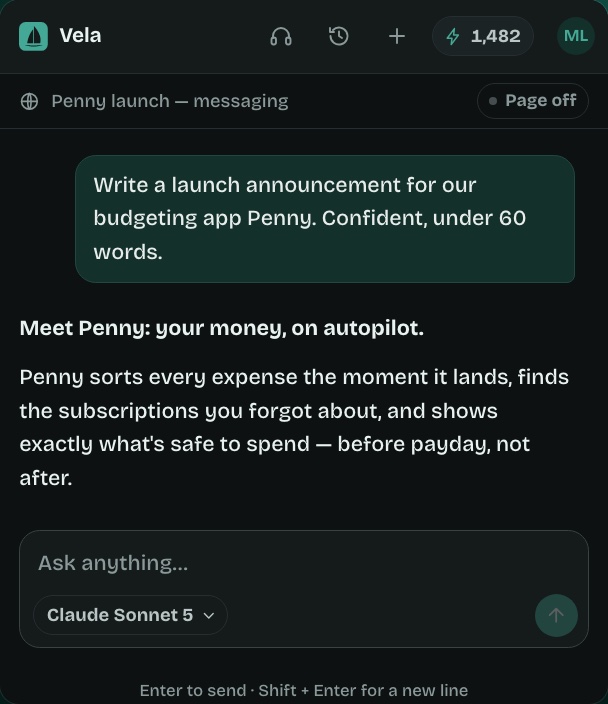
Chat, write, summarize pages and PDFs, translate and listen — on any tab, without switching apps.
See it in action
Everything happens
beside your page.
Features
One sidebar.
Everything you use AI for.
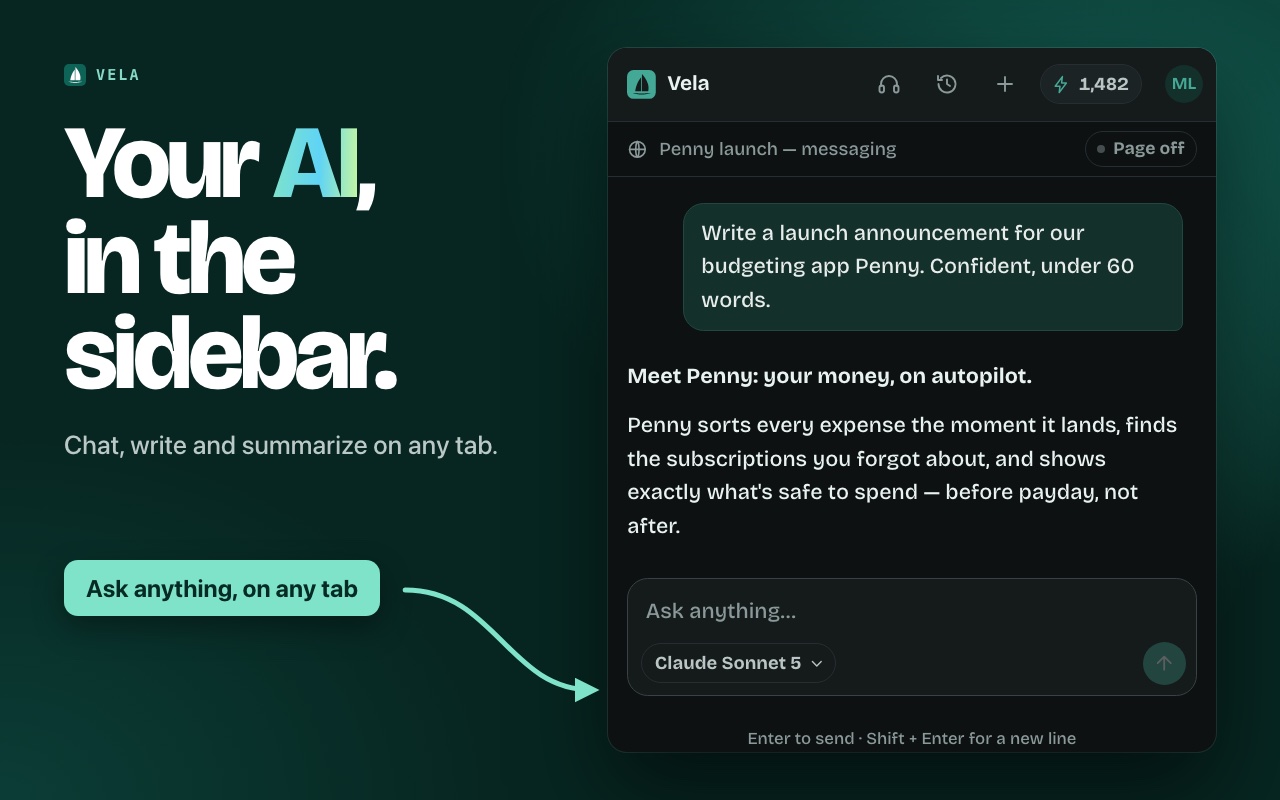
Chat about anything
Draft emails and posts, brainstorm, plan, or get help with code — while you keep working in the tab beside it.
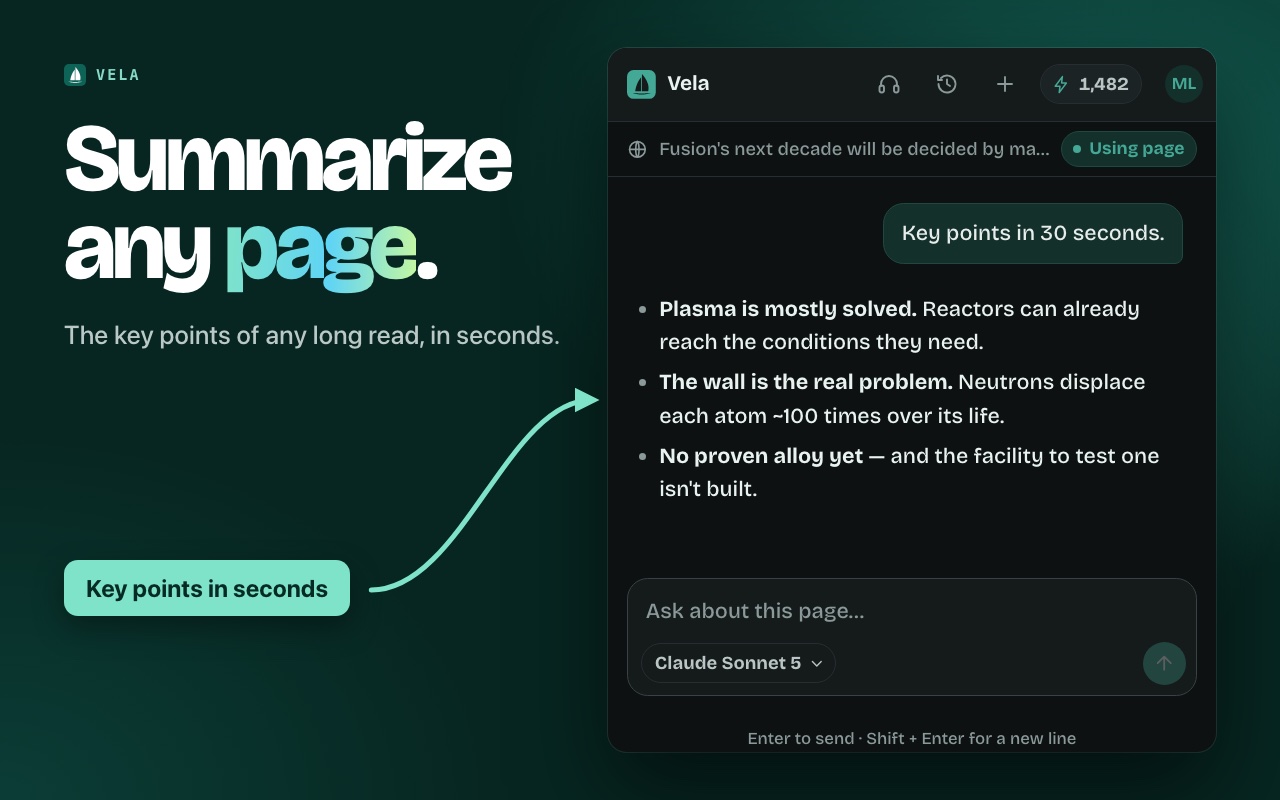
Summarize any page
Turn a 20-minute read into the key points. Vela reads the tab you're on the moment you ask — never before.
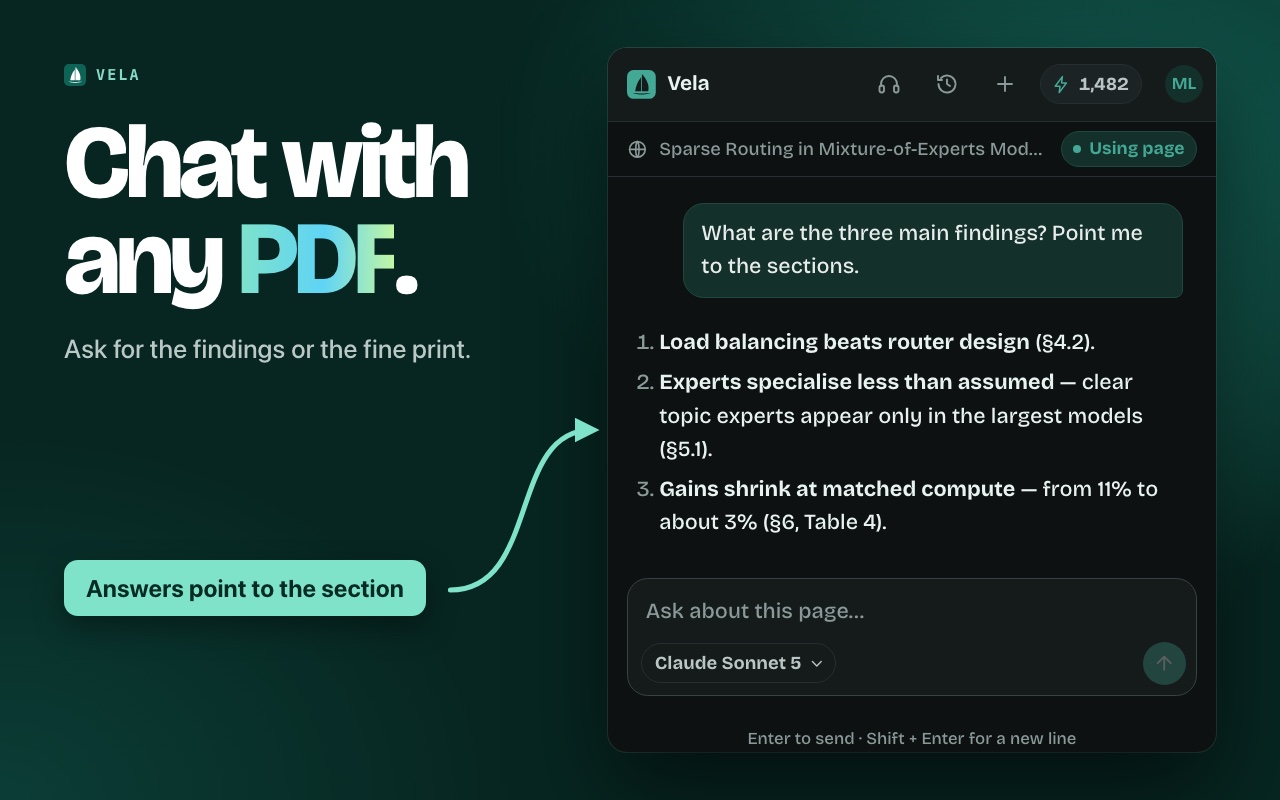
Chat with PDFs
Papers, contracts, reports. Open one in Chrome, press Read PDF, and ask about the findings or the fine print.
Listen instead
Vela turns an article into a clean script — no menus or cookie banners — and reads it aloud in a natural voice.
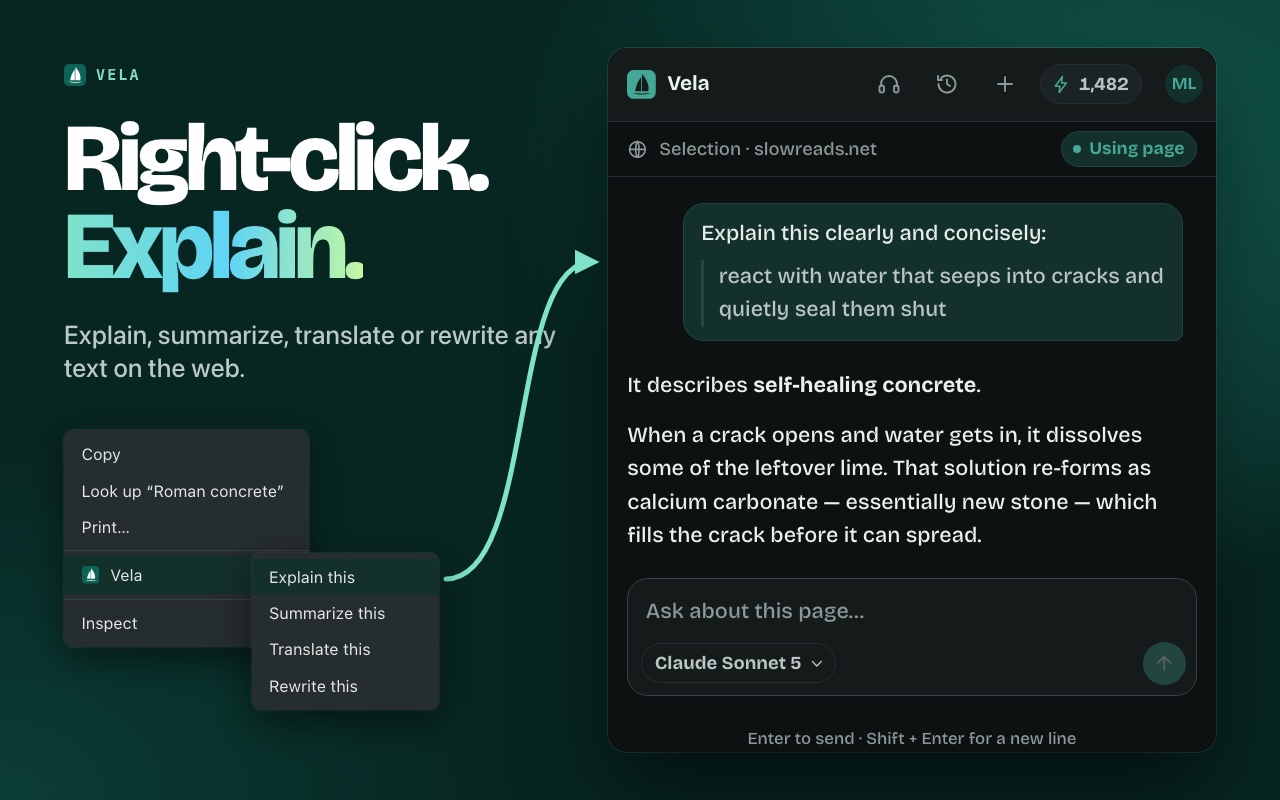
Right-click AI
Highlight any text on any site to explain, summarize, translate or rewrite it on the spot.
Recent chats
Your five most recent conversations are saved, so you can pick up where you left off — or delete them.
Models
The best models from
the US and China.
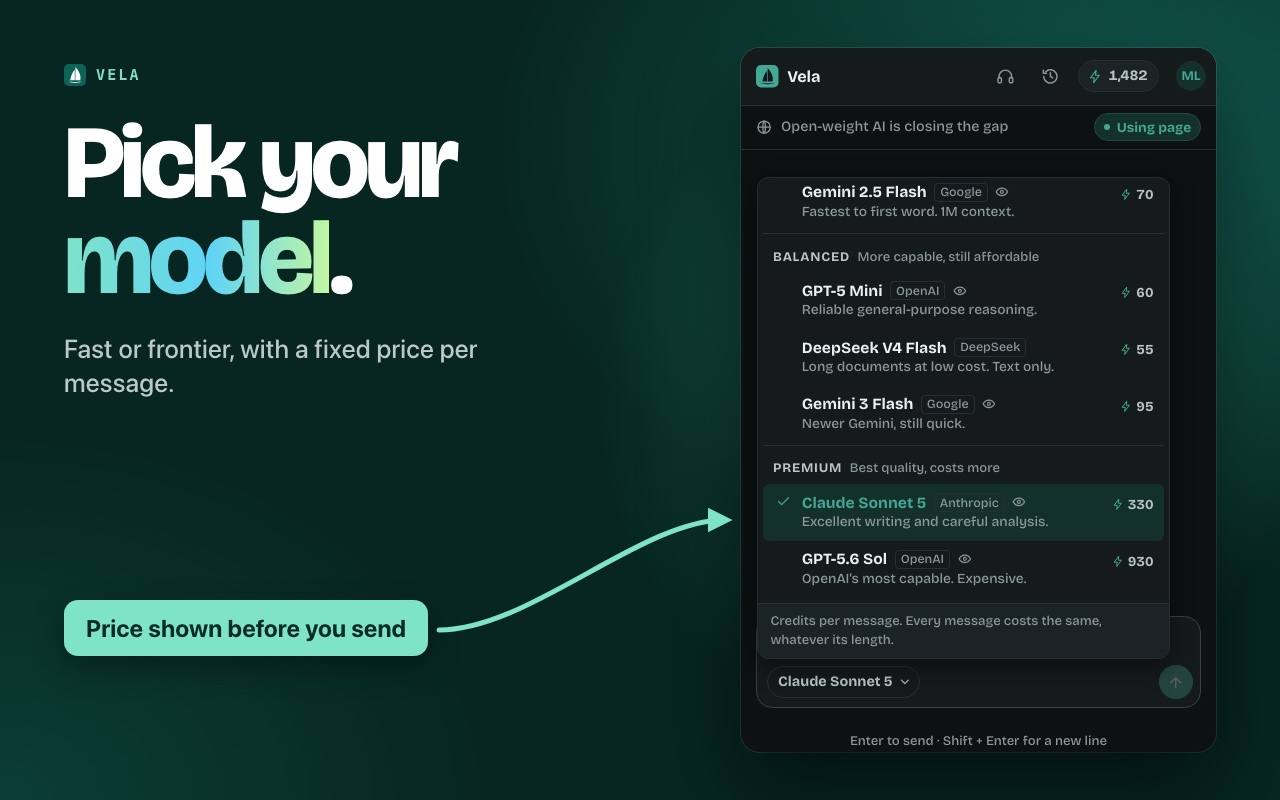
No single model wins every task. Switch per message — each has one fixed price in credits, whatever the length.
Everyday Free plan
- GPT-5 Nano12 cr
- Seed v2 Mini15 cr
- Gemini 2.5 Flash70 cr
Balanced Paid plans
- DeepSeek V4 Flash55 cr
- GPT-5 Mini60 cr
- Gemini 3 Flash95 cr
- Gemini 3.8 Flash125 cr
- DeepSeek V4 Pro160 cr
- GLM 5.2175 cr
Premium Paid plans
- Claude Sonnet 5330 cr
- Gemini 3 Pro375 cr
- GPT-5.6 Terra470 cr
- Claude Opus 5825 cr
- GPT-5.6 Sol930 cr
Credits per message. Read aloud costs 1,500 credits and reading a PDF 300. Current prices are always shown in the extension.
Pricing
Start free.
Upgrade when you're hooked.
Starter
- ~4,000 everyday messages
- Every model, including premium
- Read aloud and PDF chat
Pro
- ~10,600 everyday messages
- ~480 Claude Sonnet messages
- Premium models every day
Max
- ~21,300 everyday messages
- ~960 Claude Sonnet messages
- For all-day, premium-first use
Plans are chosen inside the extension after you sign in. Prices in US dollars. Payments are processed by Creem as merchant of record, which collects any VAT or sales tax. Monthly credits reset each billing period and don't carry over. Cancel any time.
Privacy
Private
by design.
- Reads a page only when you ask. Never in the background.
- One switch keeps a page out. "Using page" shows exactly what's shared.
- No browsing history. Page text is never saved with your chats.
- Never sold, never used for training. Read the privacy policy.
FAQ
Questions, answered.
Do I need to be on a web page to use Vela?
No. Vela is a full AI assistant — chat, write and brainstorm on any tab, even a blank one. When you want, it can also read the page or PDF you're viewing.
What is a credit?
The unit Vela bills in. Every model has a fixed price per message, shown in the model picker before you send — quick models cost 12 to 15 credits, frontier models more. A read-aloud costs 1,500 credits and reading a PDF 300.
Is it really free?
Yes. Sign in with Google and you get free credits every day on the everyday models, with no card. Paid plans add more credits and unlock every model.
Can I cancel?
Any time, from the billing portal in the extension's account menu or via support. You keep access until the end of the period you've paid for.
Which browsers does it work in?
Google Chrome 116 or newer. Vela uses Chrome's side panel, so it's Chrome-only for now.
Is my content used to train AI?
No. Content is sent to the model provider only to produce your answer. See the privacy policy for who processes what.
Put AI in your sidebar.
Free to start. Installs in seconds. Works on every tab.